Table of Contents
- How We Test and Review Smart Home Security Devices
- Best DIY Home Security Systems
- Professional vs Self-Monitored Security Systems
- Home Security System Installation Costs and Contracts
- Top Smart Home Security Devices for Complete Protection
- Privacy, Encryption, and Data Security in Smart Home Security Devices
- Smart Home Integration and Ecosystem Compatibility
- Essential Security Components and Mobile App Functionality
- Frequently Asked Questions
Last Updated: August 31, 2026
How We Test and Review Smart Home Security Devices
We evaluate smart home security devices on real-world performance: installation difficulty, sensor and camera reliability, alert response times, smart home integration, professional monitoring value, encryption standards, and mobile app functionality. The core question: Does this system actually protect your home?
We prioritize devices that work out of the box without extensive configuration and test how systems handle internet outages, cellular backup functionality, and local storage reliability. For professional monitoring, we verify response times and dispatcher accessibility during emergencies.
Best DIY Home Security Systems
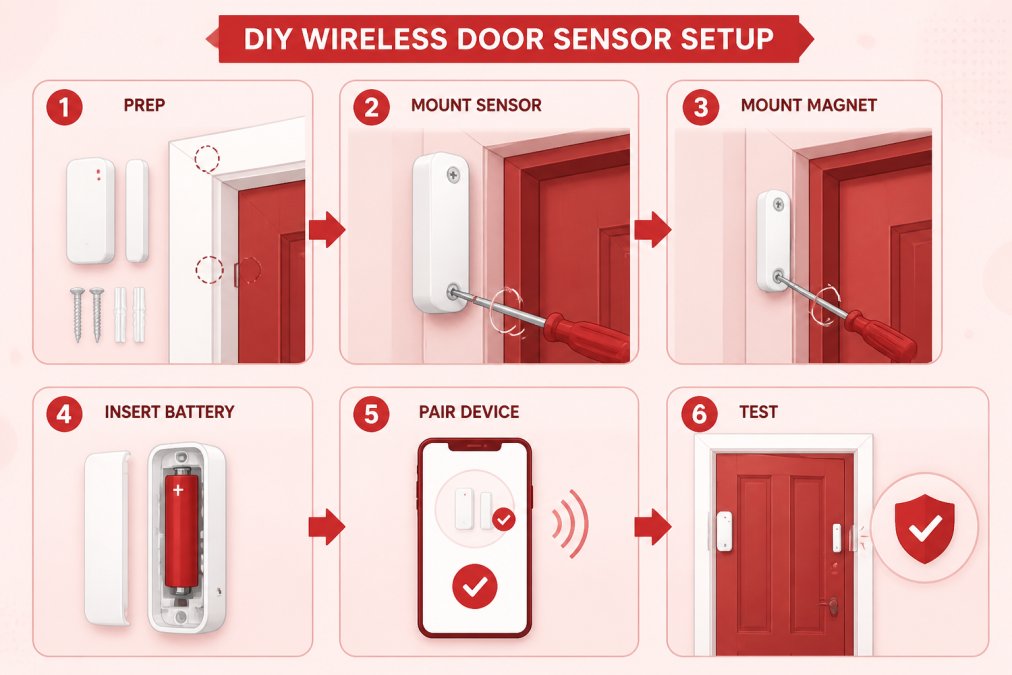
DIY systems appeal to homeowners who want control over installation and costs. You set up sensors and cameras yourself in under an hour, add devices incrementally, and scale your system as needs evolve. The trade-off is you’re responsible for proper placement and configuration, though most modern systems guide you through the process.
SimpliSafe Wireless Home Security System
SimpliSafe offers flexibility without complexity. Wireless sensors communicate with a base station, eliminating professional installation. Setup takes 30 minutes to an hour. You choose between self-monitoring via app or 24/7 professional monitoring with video verification.
The system works with Amazon Alexa and Google Assistant for voice control. Cellular and Wi-Fi connectivity keep it operational during internet outages. Sensors are small and blend into most homes. The limitation is integration depth, SimpliSafe doesn’t integrate with smart locks or thermostats in the same ecosystem.
Place entry sensors on doors and windows before arming the system for the first time to prevent false alarms during setup.
Ring Alarm Pro
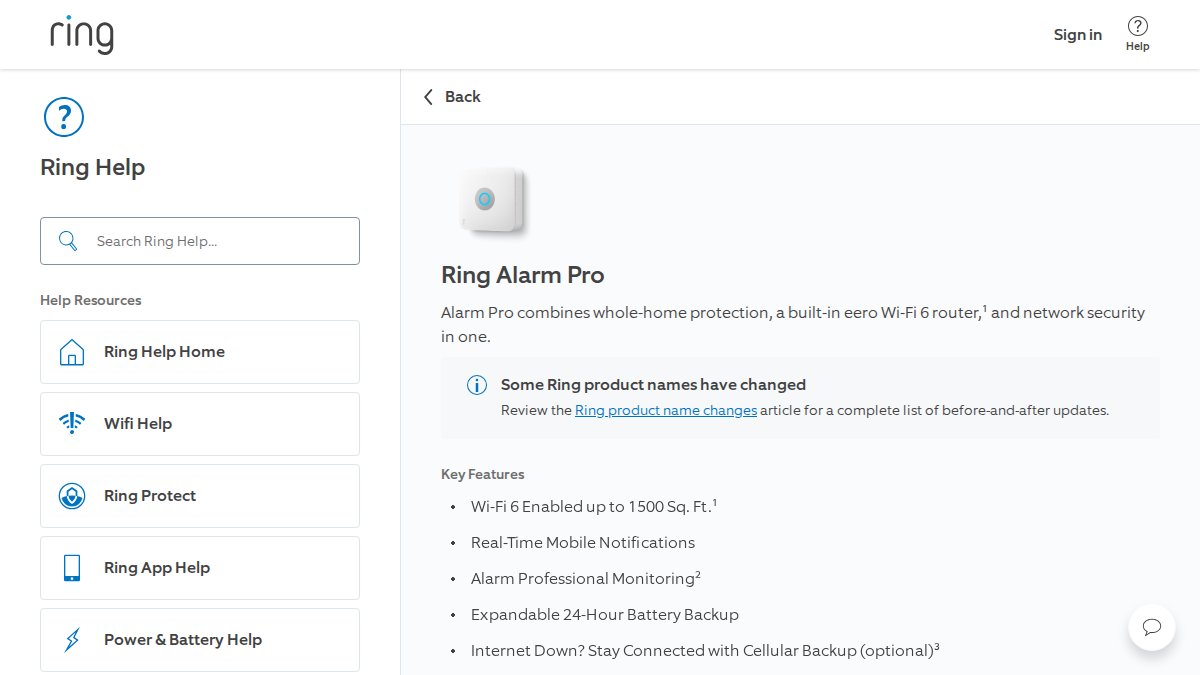
Ring Alarm Pro combines security with a built-in eero Wi-Fi 6 router, ensuring strong connectivity for reliable alerts. The 5-piece kit includes the base station with router, entry sensors, motion detector, keypad, and range extender. Professional monitoring includes police dispatch, fire response, and medical support. Backup internet (included with Ring Protect Pro) uses 3GB monthly cellular data.
Ring Alarm Pro integrates seamlessly with Ring cameras and video doorbells for unified app experience. The Wi-Fi 6 router improves performance for multiple connected devices. However, advanced features require Ring Protect Pro subscription, increasing monthly costs.
Abode Iota All-In-One Security Kit
Abode Iota bundles a gateway, 1080p HD camera, and entry sensors into one package. Its strongest feature is smart home compatibility, it works with Apple HomeKit, Amazon Alexa, Google Home, and Samsung SmartThings. Professional monitoring is optional with no long-term contracts, and self-monitoring is free.
The built-in camera handles basic monitoring but lacks the detail of dedicated security cameras. The gateway has no touchscreen, requiring app or voice commands for arming and disarming. Abode works best for tech-savvy users who want flexibility and multi-platform compatibility.
Wyze Home Monitoring
Wyze targets budget-conscious buyers with the lowest equipment and monitoring costs ($10/month). The starter kit includes DIY installation and cellular backup. It integrates with Wyze’s camera ecosystem and includes emergency dispatch, rare for budget systems.
The limitation is feature depth. Wyze lacks advanced automation and premium camera options. It’s ideal for renters and homeowners on tight budgets who need professional monitoring without long-term contracts.
Renters and homeowners on tight budgets who need professional monitoring without long-term contracts or expensive equipment.
Professional vs Self-Monitored Security Systems
Professional monitoring costs $15-$40 monthly (the CDC). Trained dispatchers watch your system 24/7 and contact emergency services if alarms trigger. You get response without your involvement, valuable when traveling or asleep.
Self-monitoring is free or very cheap. You receive real-time alerts and decide whether to call 911. This works well if you’re home frequently and willing to respond immediately. Many homeowners choose a hybrid approach: professional monitoring for burglary and emergencies, self-monitoring for routine notifications.
Professional monitoring adds credibility with insurance companies. Some insurers offer discounts for professionally monitored systems, offsetting monitoring costs over time. Self-monitored systems rarely qualify for these discounts.
Home Security System Installation Costs and Contracts
DIY systems have zero installation costs. Equipment typically ranges from $200-$400 for basic systems, with additional sensors costing $20-$50 each (consumer.ftc.gov).
Professional installation systems charge $500-$1,000 upfront for equipment and labor. The technician positions sensors optimally and tests the entire system. This eliminates guesswork but requires scheduling.
Many modern DIY systems operate contract-free, letting you cancel monitoring anytime. Professional systems often require 24-36 month contracts with substantial early cancellation fees. Monthly monitoring costs range from $10-$50 depending on features.
Long-term contracts can be expensive if you move or change security needs. Calculate total cost of ownership, including equipment, installation, and monitoring fees over the contract period, before committing.
Top Smart Home Security Devices for Complete Protection
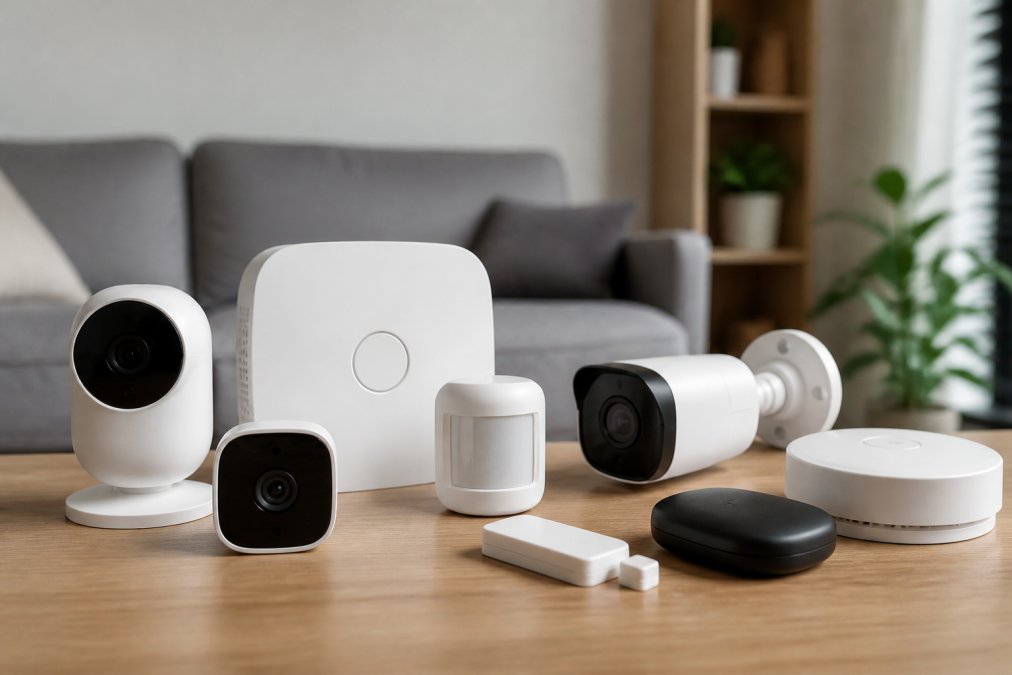
A complete system combines entry sensors, motion detectors, cameras, and monitoring hubs. Entry sensors detect door or window openings. Motion detectors catch movement in unmonitored areas. Cameras provide visual evidence and deterrence. The monitoring hub coordinates everything and connects to emergency services.
Vivint Smart Home Security
Vivint is a premium, integrated solution with professional installation and 24/7 monitoring. The system integrates smart locks, thermostats, lighting, and cameras into a unified platform controlled from a central touchscreen panel. You can create scenes like “Goodnight” that locks doors, arms the system, and dims lights simultaneously.
The 4K cameras use AI-powered Smart Deter technology, playing deterrent messages when motion is detected. Equipment starts at $599, and professional monitoring begins at $29.99 monthly. Most customers sign 36-month contracts, making the total commitment substantial. This suits homeowners who prioritize convenience and integration over budget.
Homeowners who want a fully integrated smart home security system with professional installation and comprehensive automation capabilities.
ADT Command
ADT Command is professionally installed with a touchscreen control panel. The dual communication path (cellular LTE and Wi-Fi) ensures the system reaches dispatchers even if one connection fails. Two-way voice capability lets you communicate directly with dispatchers through the system speaker.
Equipment runs $599, monthly monitoring is $38.99, and contracts typically span 36 months. ADT works best for homeowners who prioritize professional service and don’t mind the expense.
Arlo Pro 4 Spotlight Camera
Arlo Pro 4 is a wireless outdoor camera with 2K HDR video and an integrated spotlight for color night vision. The 160-degree field of view covers most residential areas. Two-way audio lets you speak to visitors or potential intruders directly.
This camera connects directly to Wi-Fi without requiring a hub for basic operation. An Arlo SmartHub unlocks Apple Home compatibility and local storage. The spotlight provides genuine color vision at night, not grayscale. Arlo works with Amazon Alexa, Google Home, and Apple Home (with a hub).
The limitation is cloud storage dependency. Arlo requires subscriptions for video storage and advanced features. The camera costs $199.99, and ongoing storage subscriptions add to the expense.
Position Arlo cameras where they capture doorways and main entry points. The spotlight’s color night vision is most valuable when it illuminates faces or identifying details.
Google Nest Cam (Battery)
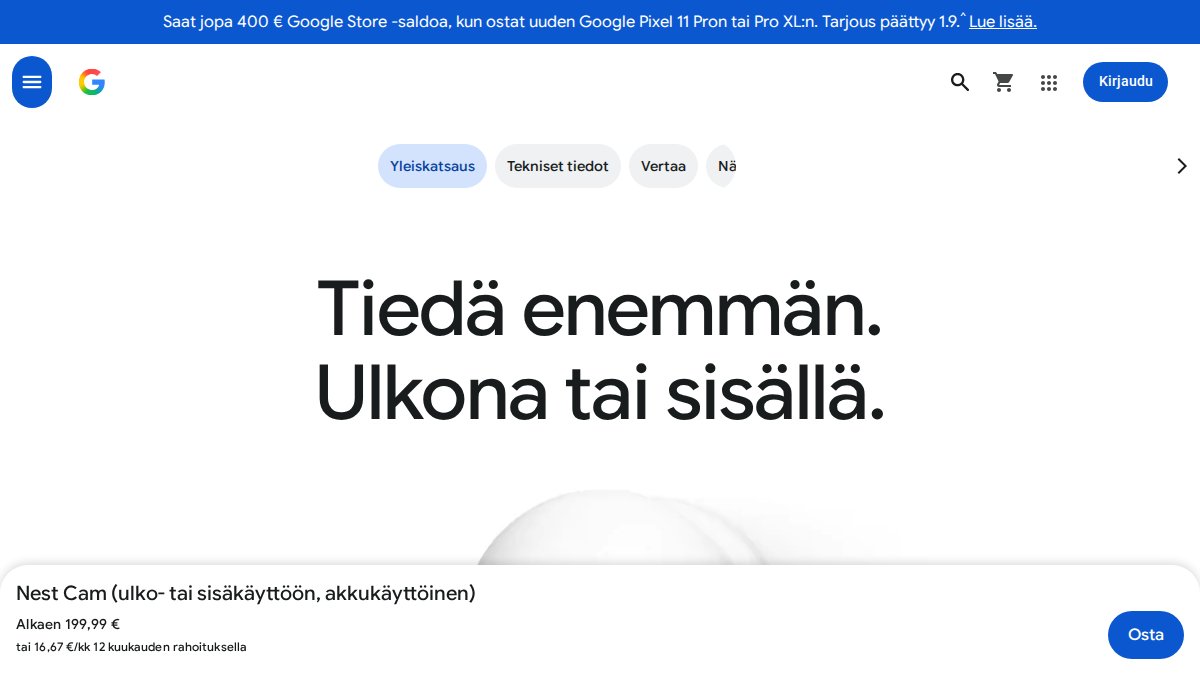
Google Nest Cam is a battery-powered camera for flexible indoor or outdoor use. The battery lasts several months between charges. The camera continues recording for up to one hour during Wi-Fi or power outages using local storage.
The 1080p HD video with HDR provides clear daytime footage. Built-in intelligence detects people, animals, and vehicles, reducing false alerts. Three hours of free event video history is included without subscriptions. The trade-off is 1080p resolution lacks the detail of 2K or 4K systems. The camera costs $179.99.
Eufy Security eufyCam 3
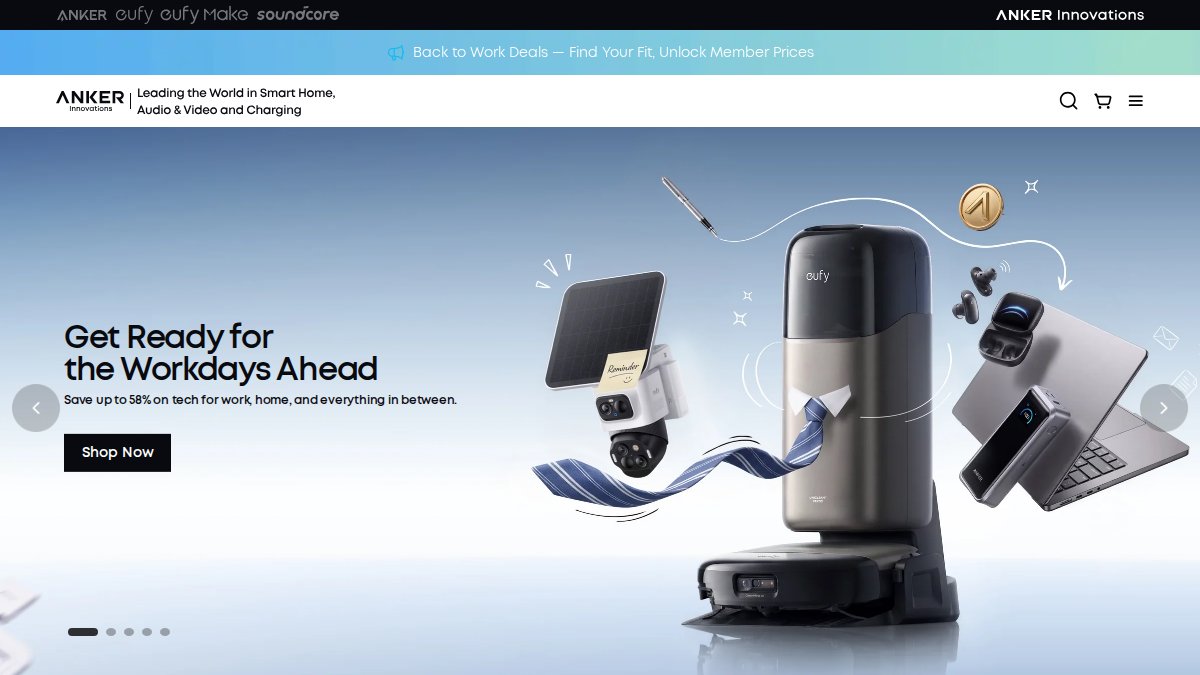
Eufy Security eufyCam 3 stands out for 4K resolution and an integrated solar panel. Solar charging means you rarely replace batteries, typically once or twice yearly. The camera connects to a HomeBase 3 hub for local storage, eliminating cloud subscription needs.
The 4K video captures exceptional detail. The Starlight system enhances low-light color clarity. BionicMind AI learns to recognize familiar faces, reducing alerts from known household members. Dual motion detection using radar and PIR sensors minimizes false alarms.
Local storage is a major advantage for privacy-conscious users. Video stays on your home network, never uploaded to cloud servers. A 2-camera kit with HomeBase 3 costs $549.99. Individual cameras cost $219.99. After three to four years, Eufy becomes cheaper than cloud-dependent systems due to no subscription fees.
Eufy’s combination of 4K resolution, solar charging, and local storage makes it ideal for homeowners who want security without ongoing subscription costs or privacy concerns about cloud uploads.
Privacy, Encryption, and Data Security in Smart Home Security Devices
Data security determines whether your security system protects your home or exposes it. Encryption protects data in transit. Look for systems using AES-256 encryption, the current standard for sensitive data (nist.gov). Two-factor authentication adds a second layer by requiring a code from your phone before anyone can access your account.
Local storage eliminates some privacy concerns. Systems like Eufy that store video on a home hub rather than cloud servers keep footage off the internet entirely. Read privacy policies before committing, some companies sell anonymized data to third parties or share data with law enforcement without warrants.
Firmware updates matter for security. Systems receiving regular security patches protect against newly discovered vulnerabilities. Choose brands with a track record of ongoing support.
Smart Home Integration and Ecosystem Compatibility
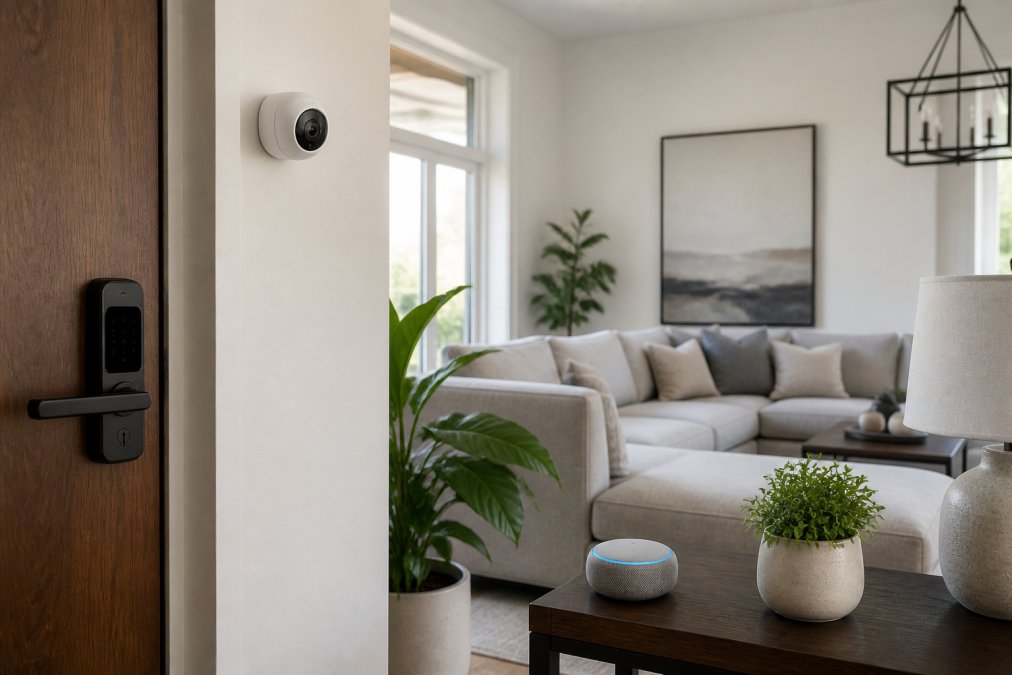
Smart home integration determines whether your security system works in isolation or as part of a cohesive ecosystem. A well-integrated system lets you create automation rules: “When I leave home, arm the security system, lock the doors, and turn off the lights.”
The major ecosystems are Amazon Alexa, Google Home, and Apple Home. Devices compatible with multiple ecosystems offer flexibility. SimpliSafe and Abode work across all three. Ring and Google Nest are optimized for their parent companies but offer limited support for competitors.
Voice control adds convenience but creates security risks, anyone in your home can trigger commands. Smart lock integration is valuable: when your system detects an authorized person arriving, it can automatically unlock the door. Thermostat integration enables energy savings by lowering temperature when no one is home. Lighting integration improves security by turning on lights when motion is detected at night, deterring intruders and creating the appearance of occupancy when you’re away.
Essential Security Components and Mobile App Functionality
A complete security system requires entry sensors on doors and windows, motion detectors, glass break detectors, and a monitoring hub that coordinates all sensors and communicates with emergency services.
The mobile app is your interface to the system. A good app shows real-time status, sends instant alerts, and lets you arm or disarm remotely. It should load quickly even on poor connections and display camera feeds without lag.
Push notifications require careful configuration. Too many alerts and you ignore them; too few and you miss genuine threats. The best systems let you customize which events trigger notifications. Remote arming and disarming is convenient but requires strong passwords and two-factor authentication.
Night vision quality varies significantly. Infrared night vision produces grayscale images. Color night vision (available on premium cameras) provides more detail. Geofencing uses your phone’s location to automate the system, when you leave home, it arms automatically; when you return, it disarms. Two-way audio lets you communicate through cameras and speakers, valuable for answering the door remotely or warning intruders.
Choosing the right smart home security devices depends on your priorities. Budget-conscious buyers should consider SimpliSafe or Wyze. Homeowners wanting comprehensive automation should explore Vivint or ADT Command. Privacy-focused users benefit from Eufy’s local storage and offline capabilities.
At Greenmatrax.com, we help you navigate these choices by reviewing devices based on real-world performance, not marketing claims. Our curated selection focuses on genuine value and reliable performance. Visit Greenmatrax.com to explore detailed reviews and find the security system that matches your specific needs and budget.
Frequently Asked Questions
What are the most essential smart home security devices for beginners?
Start with entry sensors for doors and windows, a motion detector, and at least one security camera. These three components cover the fundamentals of perimeter protection and activity monitoring. Many systems bundle these together as starter kits. Add a video doorbell for visitor identification and two-way audio. As you expand, integrate smart locks and additional cameras to cover blind spots. Professional monitoring adds 24/7 response capability if you want that layer of protection.
Do I need a professional monitoring subscription for smart security devices?
No, but it depends on your needs. Self-monitored systems send push notifications and alerts to your phone, letting you respond in real-time. Professional monitoring means trained operators contact emergency services on your behalf. Self-monitoring is free or low-cost but requires your attention. Professional monitoring costs $10-40 per month but provides 24/7 response even when you’re unavailable. Many systems offer both options, so you can choose based on your lifestyle and comfort level.
Which smart home security devices offer the best privacy protection?
Look for systems using end-to-end encryption, two-factor authentication, and local storage options. Eufy Security cameras store footage locally on the HomeBase without cloud upload, protecting your data from cloud breaches. Ring and Google Nest offer encryption but rely on cloud storage. Check privacy policies carefully: some systems share data with third parties, while others keep it private. Disable cloud features you don’t need, use strong passwords, and enable two-factor authentication on your account for all devices.
How do smart home security devices integrate with existing home automation?
Most modern systems work with Amazon Alexa, Google Home, or Apple HomeKit through direct integration or a hub. Ring integrates deeply with Amazon’s ecosystem. Abode and Vivint support multiple platforms. Integration lets you arm/disarm systems with voice commands, trigger automations (lights on when motion detected), and receive unified alerts. Check compatibility before buying, some devices require a hub or specific subscription tier for full smart home connectivity. Native integration is usually smoother than third-party workarounds.
Are DIY smart home security devices as reliable as professional systems?
DIY systems are reliable for detection and alerts, but professional systems offer advantages in monitoring response and installation expertise. DIY systems depend on your internet connection and phone notifications. Professional systems use cellular backup and trained operators who verify emergencies before contacting police. Reliability also depends on the brand: SimpliSafe, Ring, and Wyze have strong uptime records. For critical protection, many people combine DIY equipment with professional monitoring, getting the flexibility of DIY with the security of professional response.
This article was written using GrandRanker